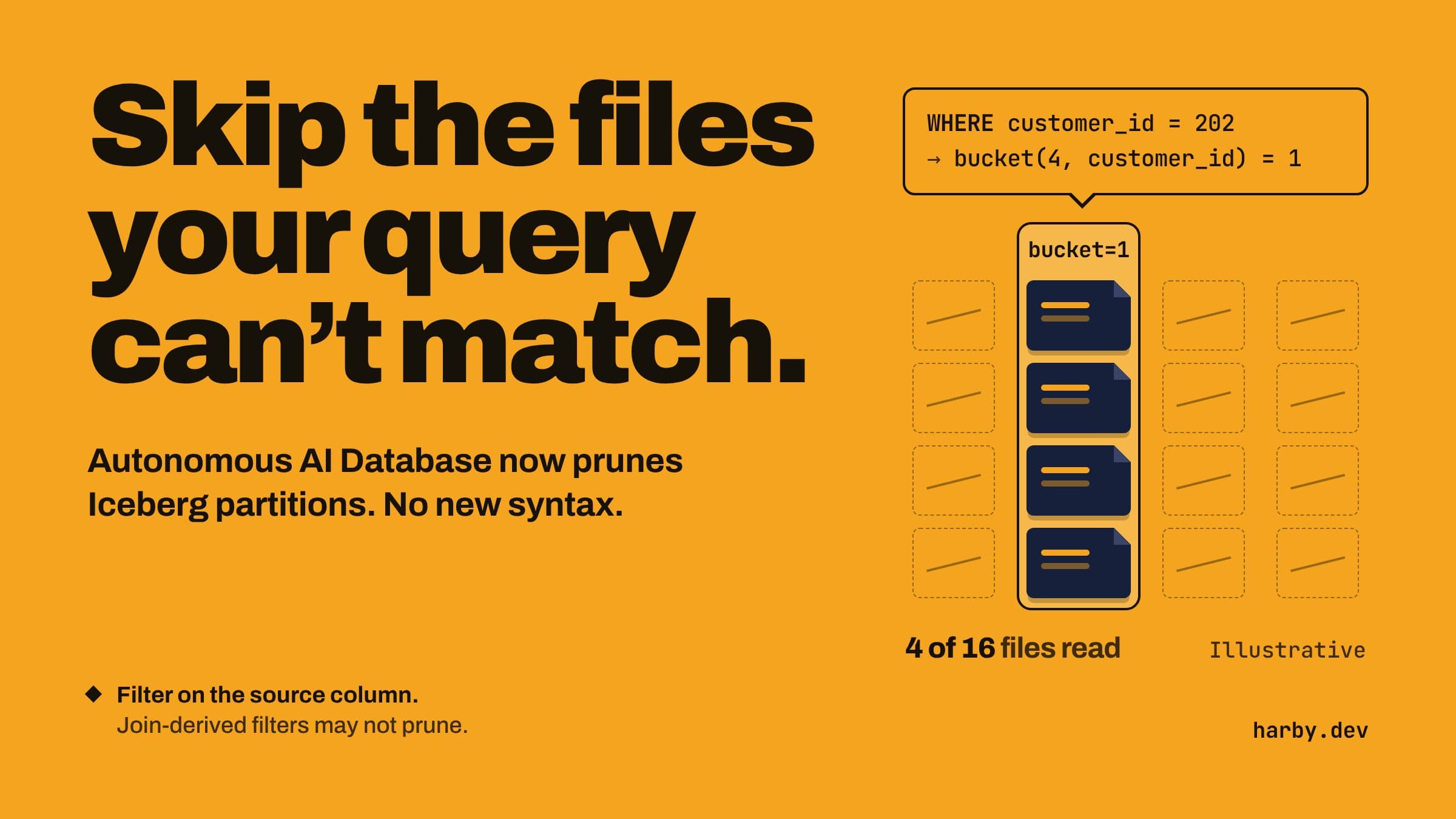
Until now, a query on a large Apache Iceberg external table could read data files that had no chance of matching the filter. Oracle's October 2026 update to Autonomous AI Database changes that. The database now reads the partition metadata in Iceberg's manifest files first. Then it skips the data files that can't hold a matching row.
What you need to know
- There's nothing to turn on and no new syntax. You keep querying the external table you created with
DBMS_CLOUD.CREATE_EXTERNAL_TABLE. - Pruning (skipping files) works when the query has a supported filter on the column the table is partitioned by, the Iceberg source column. You filter on
customer_id, not on a bucket number. - Oracle's example is an
orderstable partitioned bybucket(4, customer_id).WHERE customer_id = 202falls in bucket 1, so only bucket 1's files are read. - A filter that reaches the table only through a join may not prune.
-- Can prune: supported filter on the partition source column
SELECT * FROM orders WHERE customer_id = 202;

-- May not prune: the value only reaches orders through the join
SELECT o.*
FROM   orders o JOIN customers c ON c.customer_id = o.customer_id
WHERE  c.customer_id = 202;

-- Same rows, plus a direct filter on o.customer_id (can prune)
SELECT o.*
FROM   orders o JOIN customers c ON c.customer_id = o.customer_id
WHERE  c.customer_id = 202
AND    o.customer_id = 202;
Limits that still apply
Queries fail if the table's Iceberg metadata references merge-on-read delete files. And when the Iceberg schema changes, you have to recreate the external table.
Try it on one table first
Pick your largest Iceberg table and its heaviest queries. If the filter value reaches the table only through a join, add the same value as a filter on the source column, as in the last query above. Only do this when the extra filter can't change the results. Then compare elapsed time with and without the extra filter.
My take: pruning is automatic, but only where the filter is on the partition source column. Check your join queries first. Sources: Query Apache Iceberg Tables and What's New for Autonomous AI Database Serverless.
Get the Oracle + AI digest
One email when a new tested guide, template or APEX release note lands — English or Arabic. No spam; unsubscribe anytime.